OPEN STANDARDS. REAL CONFIDENCE.
Every Open Badge
deserves a little
certainty.
Verify an Open Badge, not just its appearance. Check the credential, its proof and its status — all in one place.
Free to use. No account. No badge data stored.
Independent by design. Open by standard.Check an Open Badge
A little clarity, in a few clicks.
Good credentials start
with open standards.
Credentials
01 / A CLEARER PICTURE
From “looks genuine”
to knowing what checks out.
You shouldn’t need to understand cryptography to check a credential. Start with the original. We’ll make the technical part easier to read.
Bring your badge.
Upload the original badge file or paste its public credential URL. No login, no setup, no extra steps.
Look beyond the image.
We examine the credential’s structure, proof and status, using linked issuer resources where needed.
See the whole result.
Get a clear breakdown of passed, failed and skipped checks. Read the warnings, then decide with context.
02 / THE DETAILS MATTER
Not a black box.
A clear set of checks.
A green result is only useful when you know what it means. See what was checked — and what couldn’t be.
Credential structure
Check that the credential can be read and contains the required Open Badges fields.
- Credential parsed
- Required fields present
- Achievement identified
- Issuer identified
03 / BRING THE ORIGINAL
Different formats.
The same Open Badge standard.
A badge can travel in more than one form. We look for the verifiable credential behind it, whether it’s baked into an image or shared as a file.
Check your badgeBaked badge images
PNG and SVG with an embedded credential
PNG / SVGStructured credentials
The original machine-readable badge data
JSON / JSON-LD / VCSigned credentials
Compact, signed credential tokens
JWTHosted credentials
A public URL to the original badge resource
HTTPSUp to 5 MB per upload. A PDF or screenshot isn’t a verifiable credential. Designed for Open Badges 3.0; not a general Open Badges 2.0 checker.

04 / TRUST HAS BOUNDARIES
Your badge stays yours.
Your judgment does, too.
Checked. Not collected.
No application database stores your uploaded badge, URL or report. Verification may contact issuer hosts, and infrastructure can retain ordinary access logs.
How we handle dataVerification, not endorsement.
A passed check isn’t a guarantee of an issuer’s credibility. Built on the 1EdTech Open Badges and W3C Verifiable Credentials standards. Independent of their governing bodies.
Our approach05 / A LITTLE HELP
Good questions.
Clear answers.
The formats, the results, and everything in between.
Still have a question? Talk to usWhat does a valid result tell me?
The validator could read the credential and its required checks passed at the time of the request. Review the individual checks and any warnings. A valid result does not endorse the issuer or prove that the recipient actually completed the activity described in the badge.
Which files and URLs can I check?
Upload a baked PNG or SVG badge, a JSON or JSON-LD verifiable credential, a .vc file or a compact JWT. Individual uploads must be 5 MB or smaller. URLs may point to a credential or badge resource; remote input is limited to 10 MB, five redirects and a ten-second fetch timeout. A PDF or screenshot of a badge is not a verifiable credential.
Does the tool validate Open Badges 2.0?
This validator is designed for Open Badges 3.0 verifiable credentials, with compatibility settings for some VC 1.1 credentials. Open Badges 2.0 assertions use a different data model; do not interpret a failed 3.0 check as proof that a 2.0 badge is counterfeit.
Read the specificationDoes it only work with particular issuers?
No issuer allowlist is used. The same format and proof checks apply to credentials from any platform that produces compatible credentials. Examples of issuers and platforms include Certifier, Credly, Accredible, Parchment Digital Badges and Open Badge Factory. Being listed here is not a guarantee that every badge they issue uses the same format or will pass validation.
What do failed, passed and skipped checks mean?
Passed means the named check succeeded. Failed means the check found an error, which is reported with a code and message. Skipped means the check could not run or did not apply to that credential; it is not the same as passed. Read warnings as well before relying on a result.
What if I see missing_baked_payload or unsupported_input_format?
These errors happen before a credential can be verified. A PNG or SVG copied from a webpage may contain only the artwork, not the embedded credential. Download the original export from the issuer or paste the hosted credential URL. An unsupported format may be a PDF, screenshot or ordinary webpage.
What if a proof or credential status check fails?
A failed proof can indicate altered content, a missing key, or an unsupported signing method. A revoked, suspended or expired credential cannot be treated as currently valid. Open the detailed result, record the error code and ask the issuer for a fresh credential or clarification; do not change the credential yourself.
Why does verification contact other websites?
A credential can refer to external JSON-LD contexts, issuer keys, status lists and evidence. To verify those claims, the validator may fetch linked resources. Those hosts may see the requests. Network failures or inaccessible issuer resources can prevent a complete result even when the badge file is intact.
What if nothing happens after I submit?
Try another browser, retry with the original file rather than a URL, or use the hosted URL instead of the file. If the service still returns no result, send us the format, the URL domain if it is public, and the approximate time of the attempt through the contact form. Do not send private credentials through the contact form.
Are my uploaded badges stored?
No application database or file store keeps your submitted credential. The service processes it for the validation request and returns a report. Hosting providers can retain ordinary security and access logs; linked issuer hosts can see validation requests. If you choose to contact us, your message is delivered to our team by email so we can respond.
Where can I learn more or report a bug?
The blog has guides to the standards and common failures. For a reproducible problem, use the contact form and include the displayed check name, error code, input format and expected outcome. The published Open Badges and W3C specifications are the primary sources for implementers.
Explore the blog06 / KEEP EXPLORING
A little knowledge.
A lot more confidence.
What is an Open Badge?
What an Open Badge really is — a portable, verifiable digital credential. The image, the data model, the 3.0 standard, and how trust actually works.
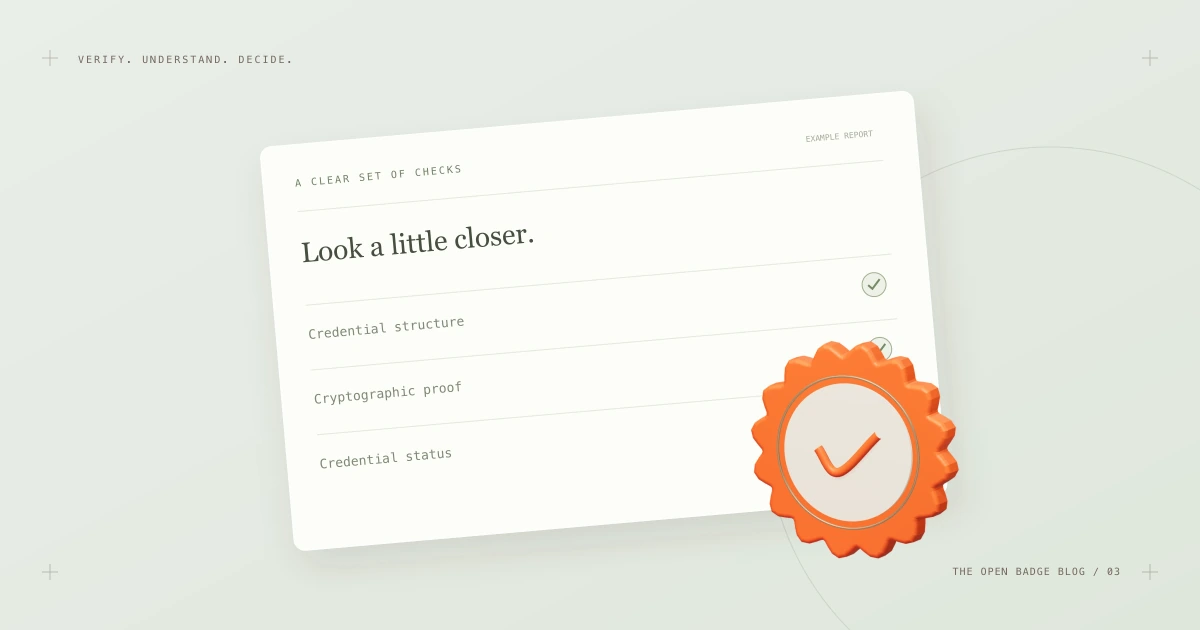
How to verify an Open Badge
Learn how to check an Open Badge 3.0 credential — from the original file or URL to a readable report of structure, proof and status checks.
How to issue Open Badges people can trust
What it takes to issue Open Badge 3.0 credentials that verify cleanly — clear criteria, a compliant data model, stable issuer infrastructure and a tested revocation plan.
A LITTLE CERTAINTY GOES A LONG WAY.
Great achievements.
Made verifiable.
Validate a badge Free for everyone. Open to every issuer.